Time tracking that fits how your team actually works
Timesheets, approvals, shift schedules and payroll exports — inside Jira, with every worklog staying in your own Atlassian site.
Runs on Atlassian — no external servers, no data egress. · $1 per user/month · 30-day free trial
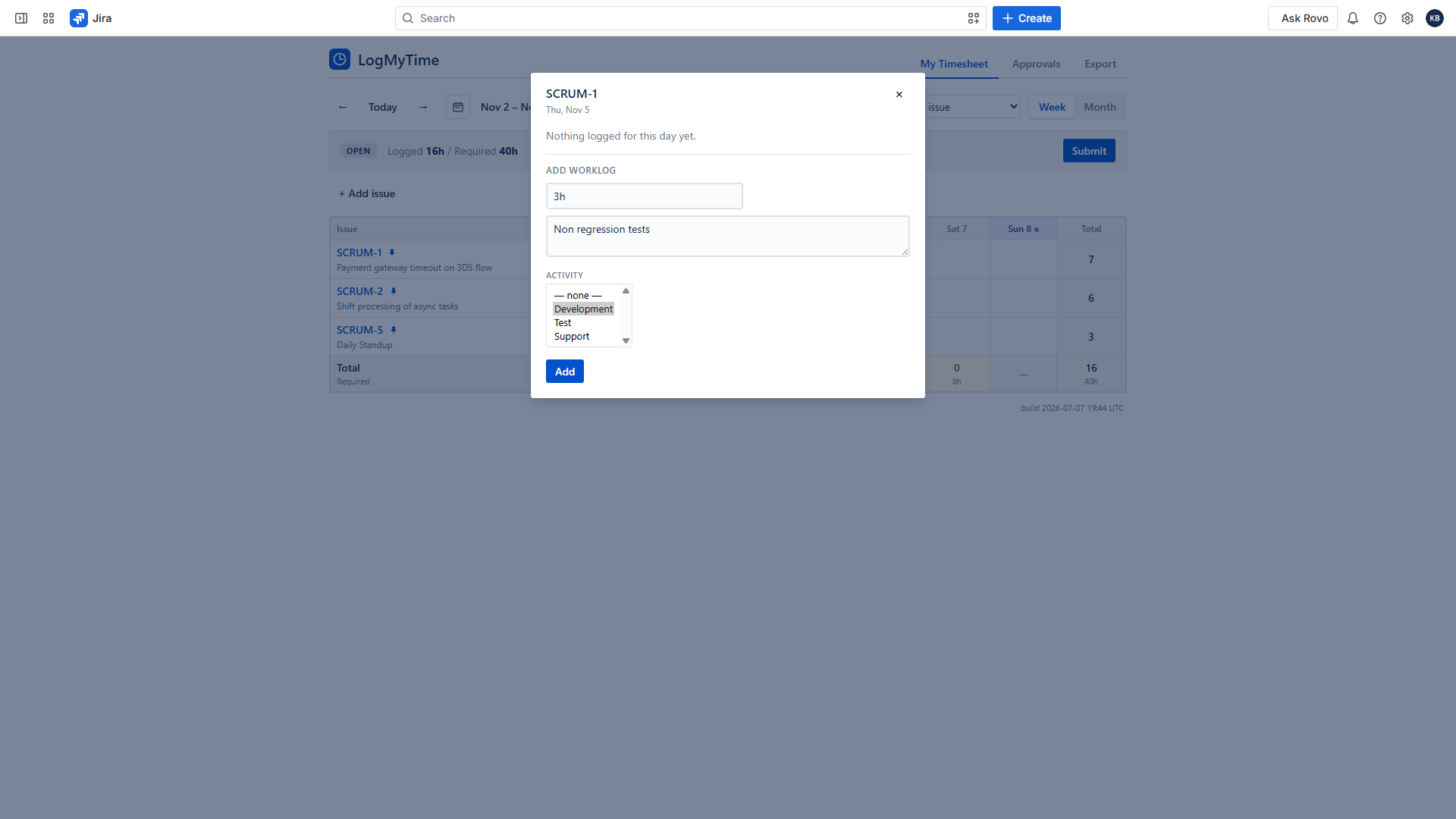
A timesheet people don’t dread
Weekly or monthly grid inside Jira. Log time in any cell, pin your standing tickets so every week starts ready, create a Jira issue without leaving the sheet, and jump to any week with one click. Time logged with Jira’s own “Log work” button shows up automatically.
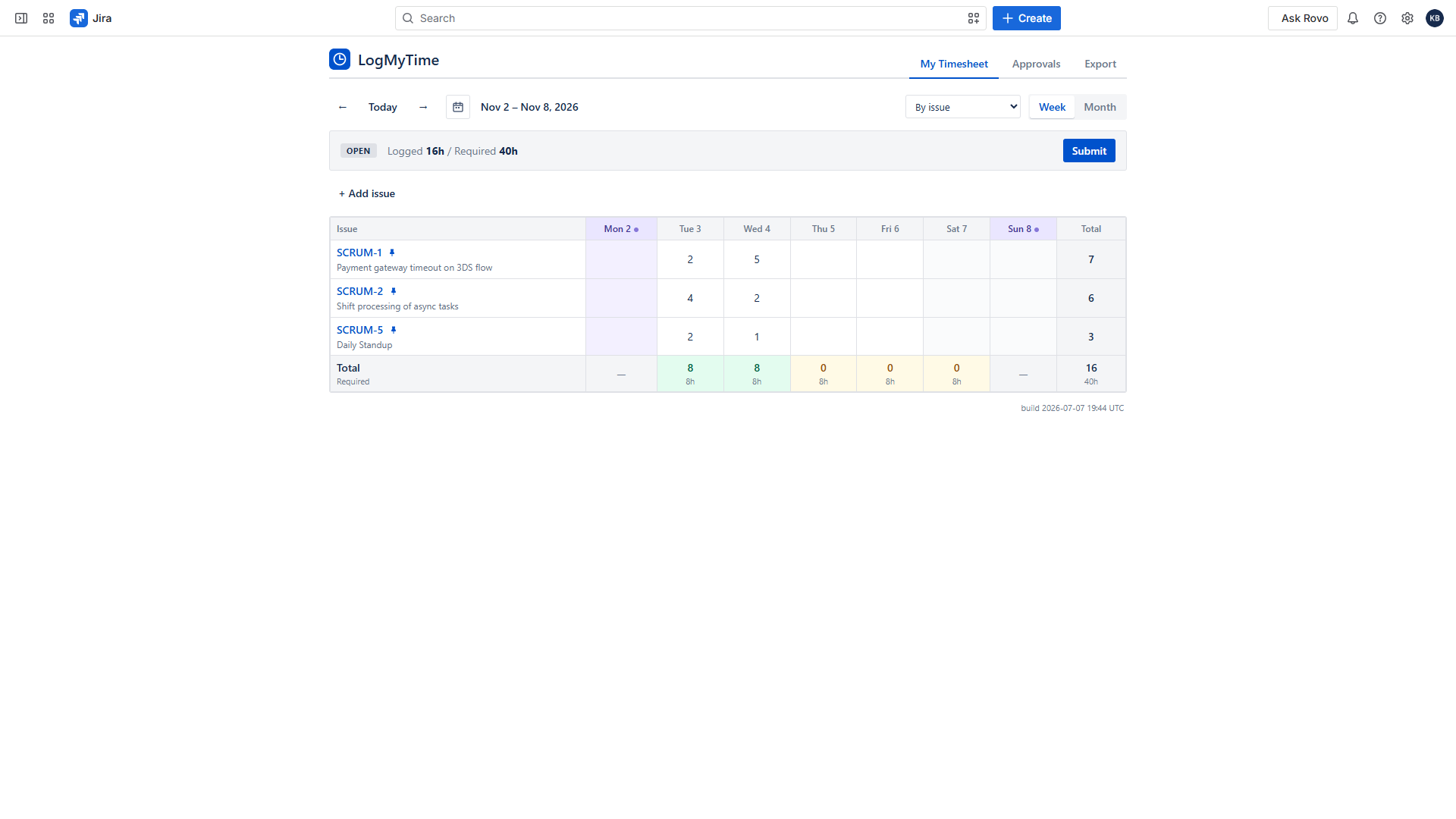
Approvals that mean something
Submit → approve or reject with comments. Approved timesheets lock their hours; anything added late is allowed but visibly flagged to both sides — no silent history rewrites. Choose flexible mode (people can recall their own submissions) or strict mode (only approvers send sheets back).
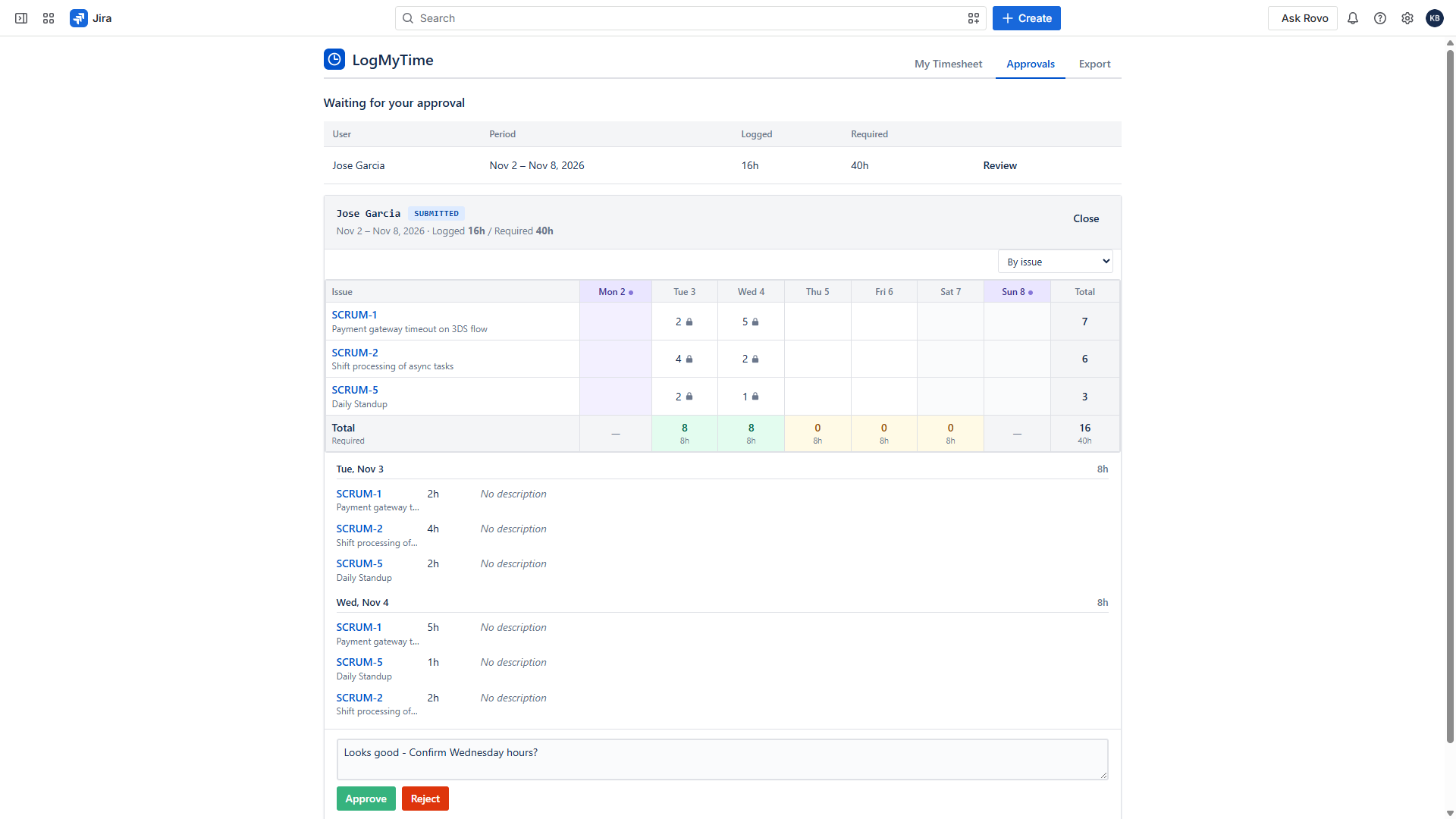
Built for shifts and timezones
Model rotations like 4-on-4-off nights with a visual pattern designer. Night shifts crossing midnight count toward the right day; required hours stay correct across timezones and DST. Assign patterns to a person or a whole team.
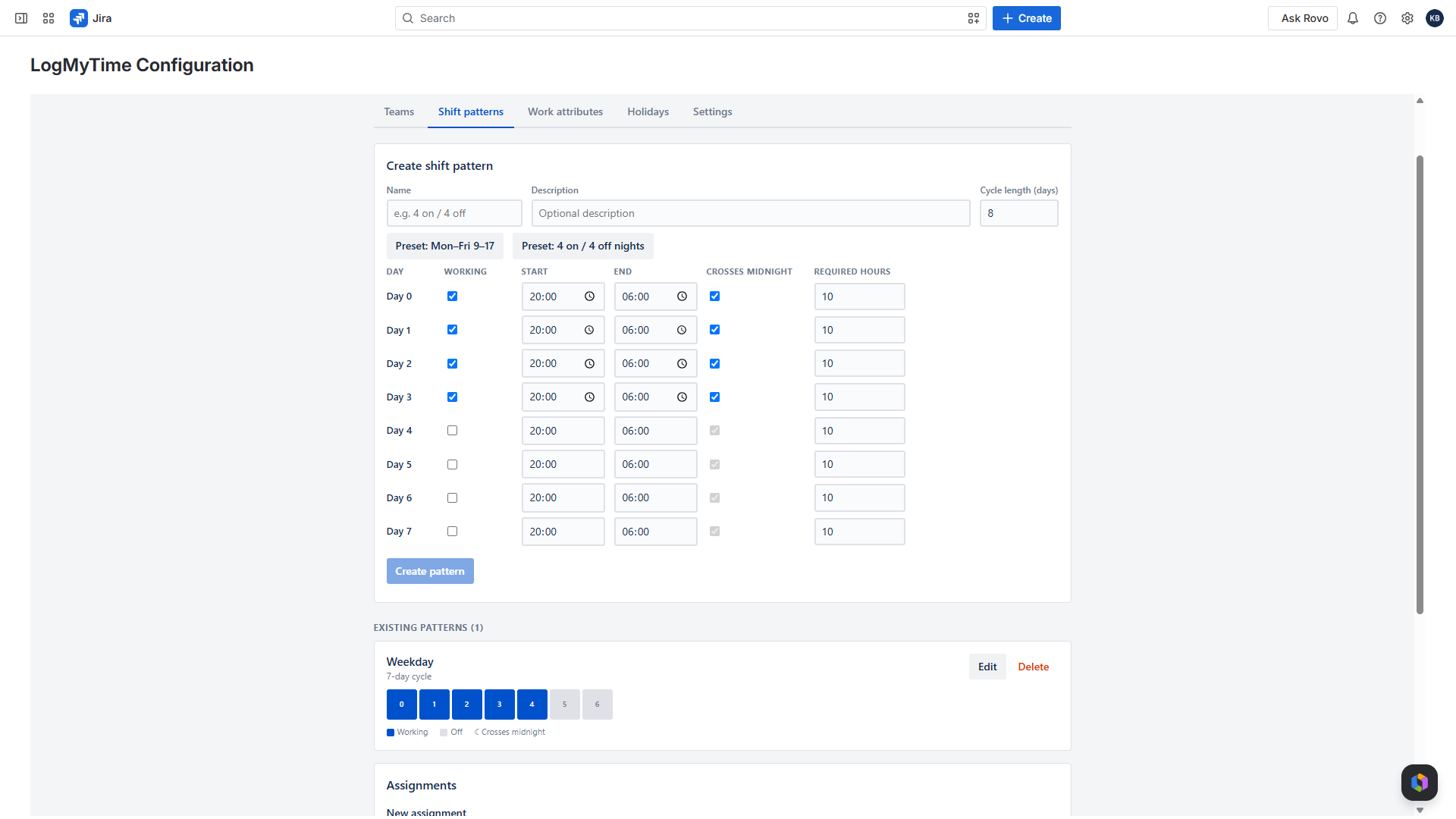
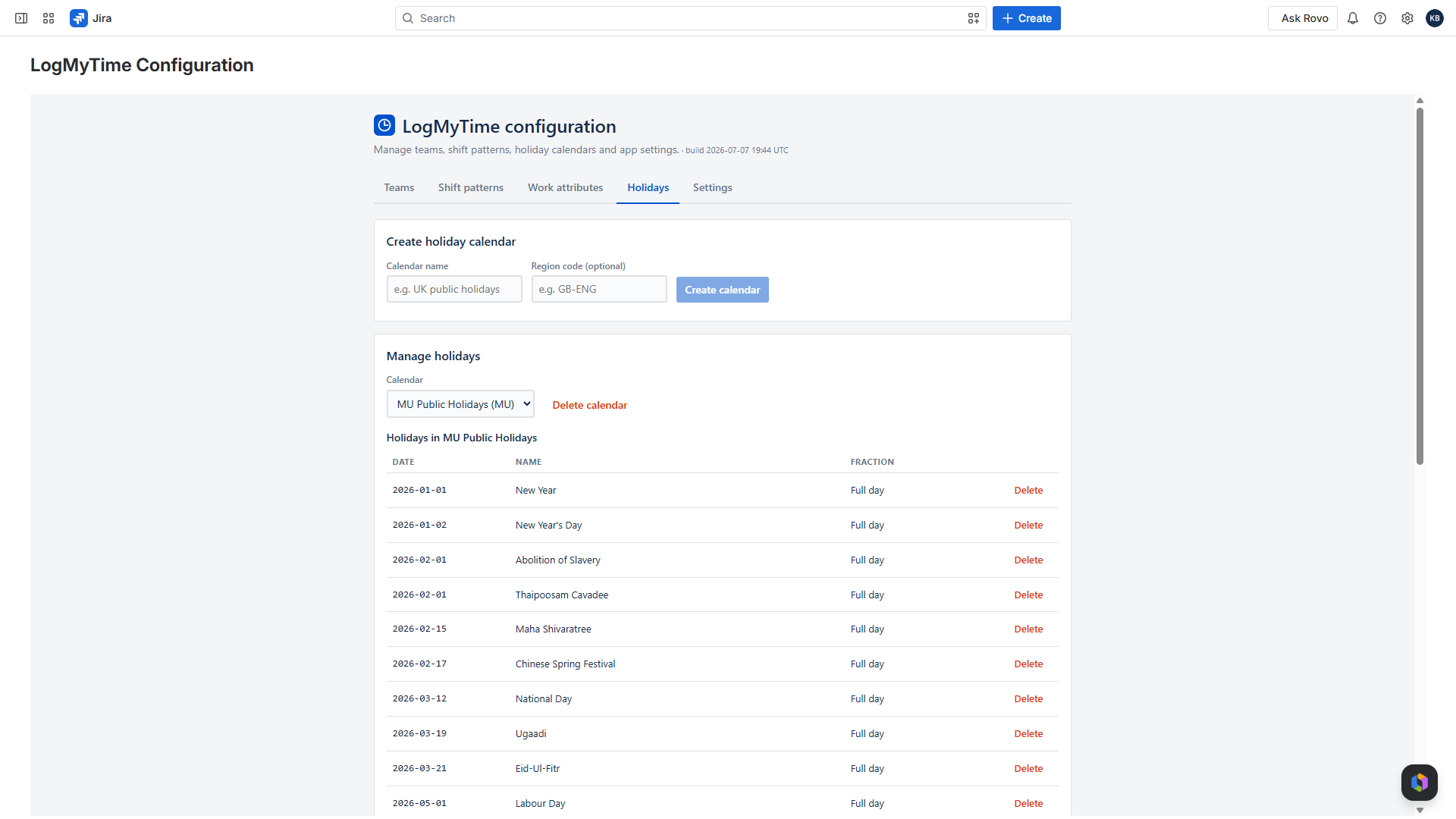
Holidays, per country
Holiday calendars with full and half days, assigned per person or per team, highlighted in the grid. A Mauritius team and a German team can share one Jira site and each see their own holidays.
Slice time your way
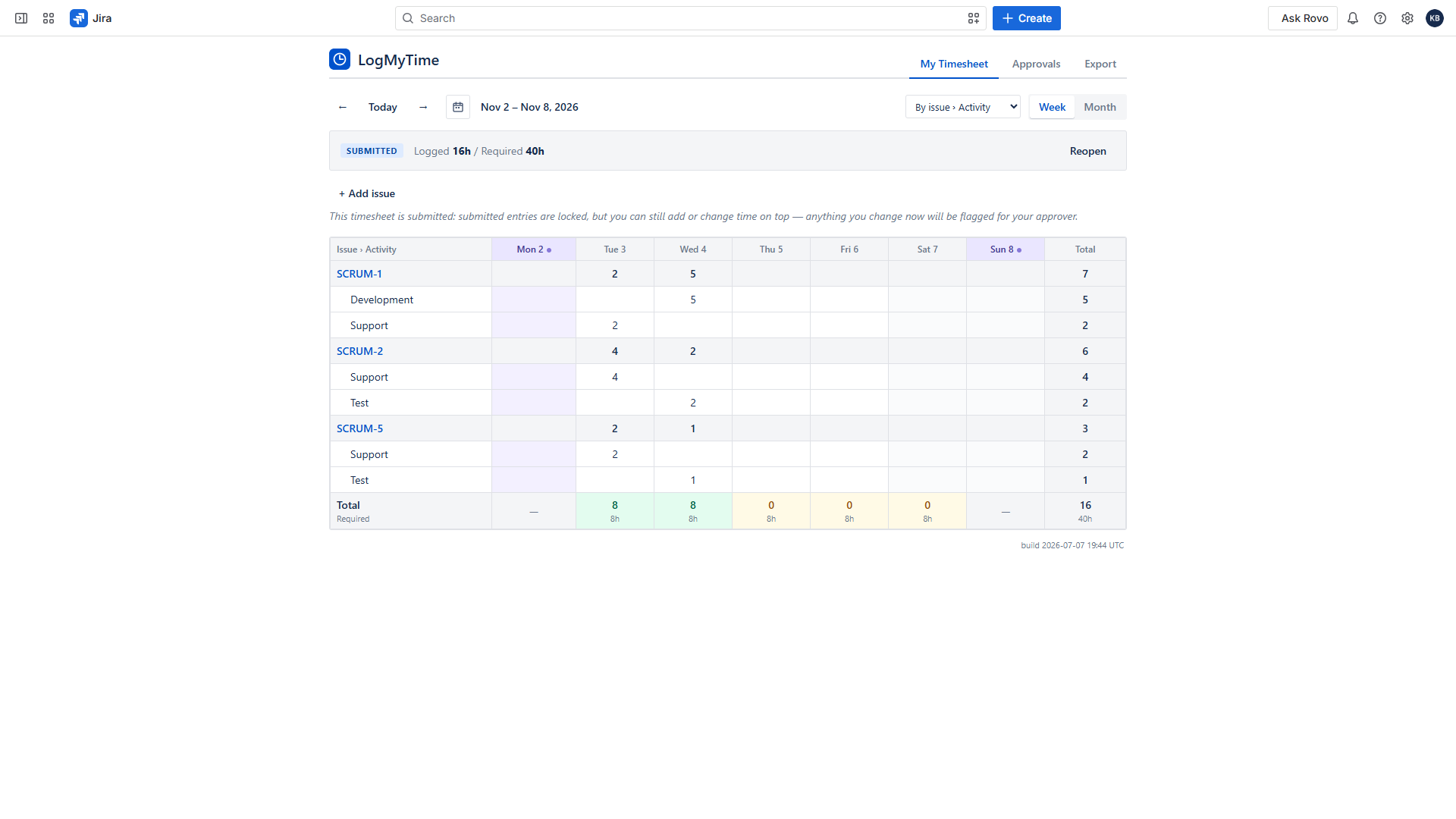
Define dropdowns like Activity (Implementation / Testing / Support) that people pick when logging. Pivot the grid by issue, by activity, or both nested — and your approvers see the same breakdown when reviewing.
Payroll-ready exports
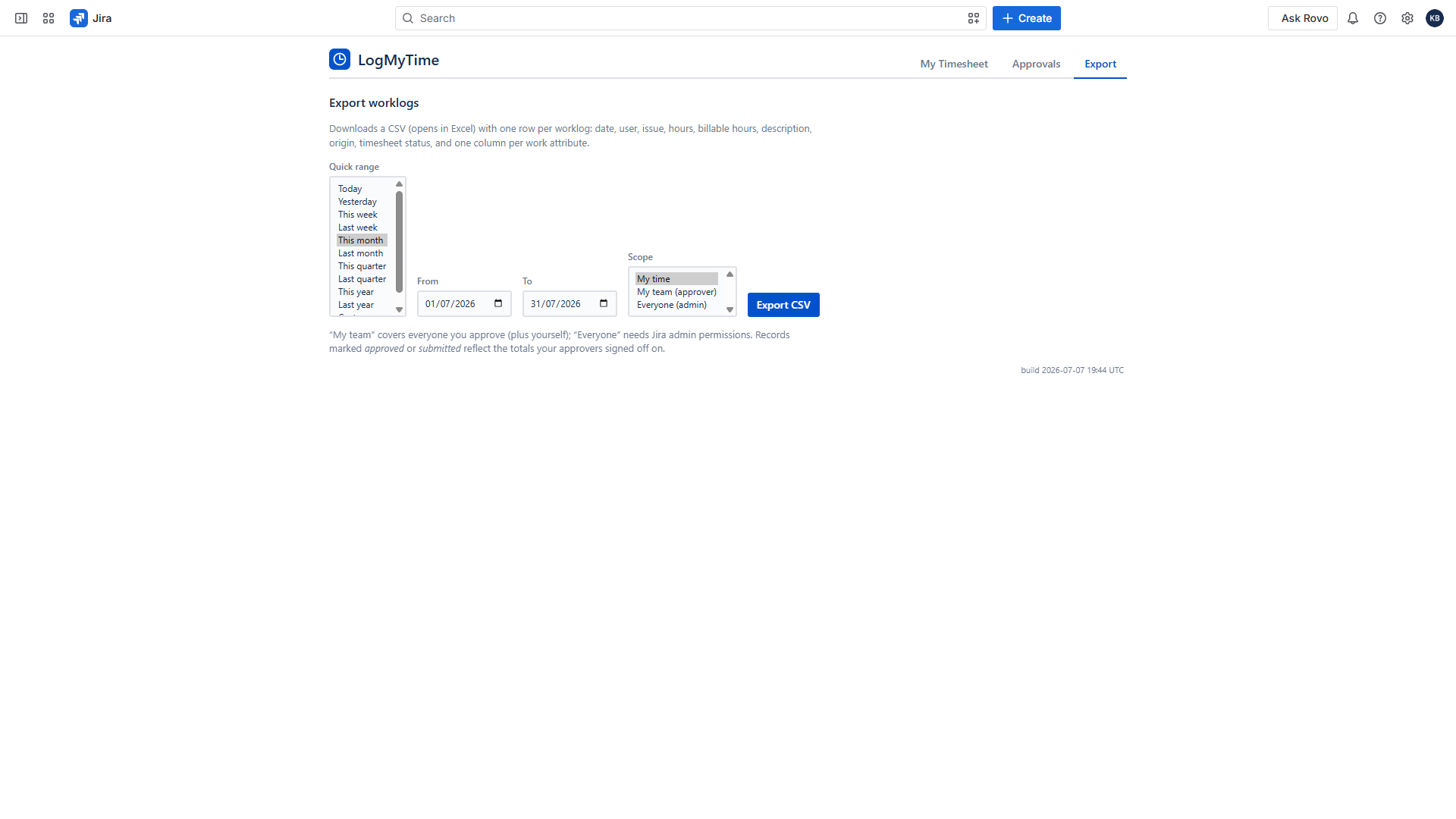
One click to CSV (opens in Excel): date, person, issue, hours, billable hours, activity columns and approval status. Quick ranges from Today to Last year. Scoped by permissions: your time, your team’s, or everyone (admins).
Why LogMyTime
Your data never leaves Atlassian
LogMyTime is built entirely on Atlassian Forge: Atlassian hosts the compute and the database inside your site’s region. No vendor servers, no analytics, no sub-processors. That’s not a policy promise — it’s how the platform works. LogMyTime carries Atlassian’s “Runs on Atlassian” badge.
Honest by design
Approval snapshots are immutable; late changes are flagged, not hidden; every approval action is audited.
Shift-first, not shift-bolted-on
Required hours are explicit per cycle day, so DST and midnight math can’t corrupt targets.
Pricing
- Free for teams of 10 or fewer
- Billed through Atlassian, prorated automatically
- 30-day free trial · annual billing saves two months
- One plan, everything included
Frequently asked questions
Does LogMyTime see or store our data outside Jira?
No. All data lives in Atlassian-hosted storage inside your Jira site’s region. See the privacy policy.
What happens to native Jira worklogs?
Both directions are supported and optional: time logged with Jira’s “Log work” can be imported automatically, and LogMyTime entries can be mirrored to native worklogs so burndowns keep working.
What if our subscription lapses?
The app becomes read-only — you can always view and export your data. Nothing is held hostage.
Do you support shift workers?
Yes — rotations of any cycle length, night shifts crossing midnight, per-person or per-team assignment, and holiday calendars per country.
We're switching from LiquidPlanner — can LogMyTime replace it?
For time tracking, timesheets, approvals and payroll export — yes. For portfolio planning and resource leveling — no, and we say so plainly. See our honest LiquidPlanner migration guide, including what to export before the December 31, 2026 sunset.
Calendar (Outlook/Google) integration?
On the roadmap. It’s deliberately not in v1 so the app can remain 100% Atlassian-resident.